








iPhone / iPad
- 1.
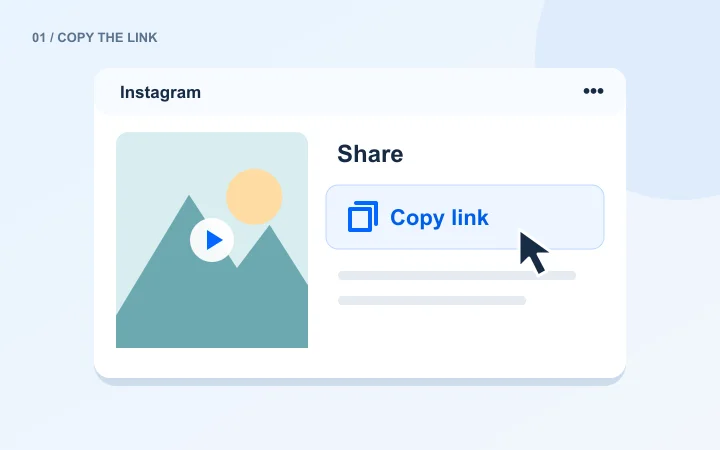
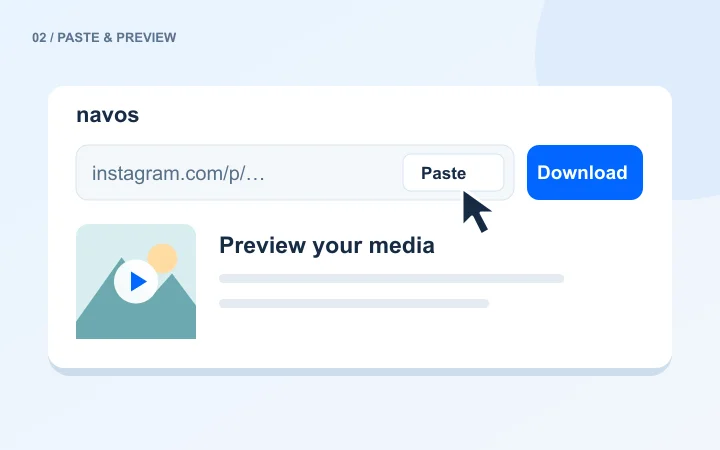
Open the downloader in Safari, paste your link and sign in to Navos.
- 2.
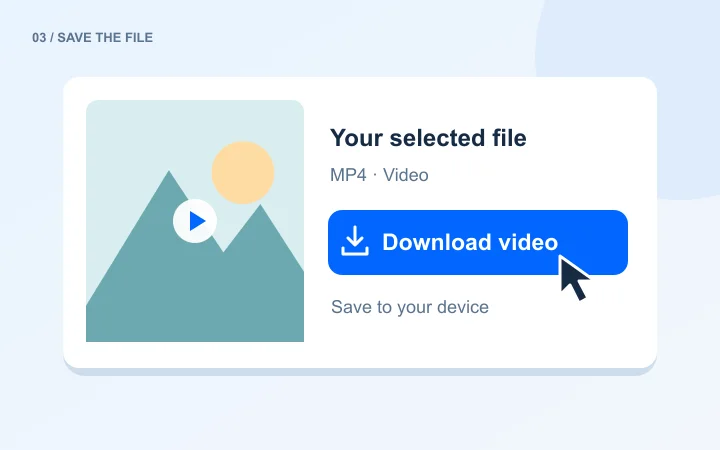
Choose a file from the results. Look in Safari’s download list or the Files app.
- 3.
To add it to your photo library, open the downloaded file and use the save option available in the system share menu.